Introduction
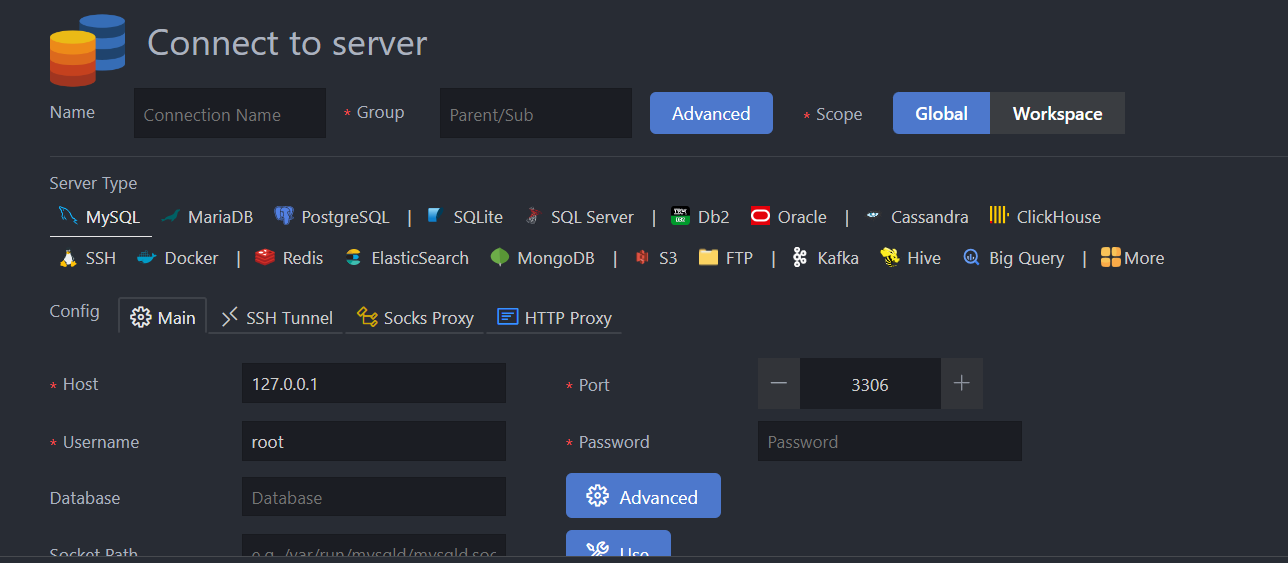
In recent months, I have been primarily working with PostgreSQL, and I would like to share with you an extension for monitoring databases (including PostgreSQL) in VSCode. Basically, I have ingested data from 3rd API to Snowflake (raw data schema) to storage. After transformation process in DBT, data has been loaded back into Snowflake again (clean data schema). The clean data is then used for visualization and report creation for the relevant departments. At this point, you might be wondering where the *** is PostgreSQL?
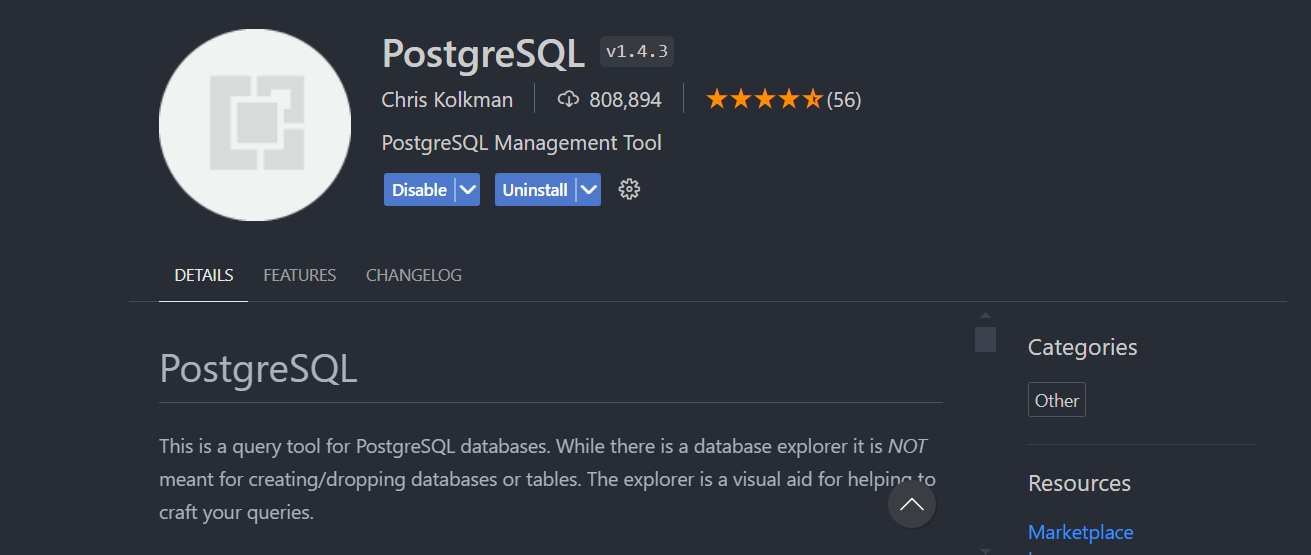
I just want you to imagine the data pipeline that has been built before discussing PostgreSQL and extension for this. Some data will help provide insights for executives, while others will be leveraged to build an AI application. My team and I need to develop an AI application for sentiment analysis of customers, utilizing Zendesk tickets, Amazon reviews, and Reddit comments. We have selected PostgreSQL as the database to store all the feedback data. During my first two months, I used the PostgreSQL extension (developed by Chris Kolkman) to manage the database.
PostgreSQL Extension by Chris Kolkman
However, this extension has limited features. I cant view history query or an ER diagram. If I want to view anything in the database, I have to execute queries,. In addition, I often crash when running multiple queries at the same time.
Database Client by Cweijan
I needed an extension that could view ER diagrams and offer higher performance. Database Client (developed by Cweijan) is exactly what I was looking for. You can view all its features below:
| Feature | Free | Premium |
|---|---|---|
| Connect to MySQL, PostgreSQL, Redis and More | ✔ | ✔ |
| Connect to SSH server as SSH client | ✔ | ✔ |
| Modify, query table data and database objects | ✔ | ✔ |
| SQL Completion | ✔ | ✔ |
| Database backup and recovery | ✔ | ✔ |
| Unlimited connections(Limit 3 for free.) | ✘ | ✔ |
| Workspace level connection | ✘ | ✔ |
| Cloud Config Sync | ✘ | ✔ |
| SFTP Support | ✘ | ✔ |
| Export table data as JSON, CSV, XLSX | ✘ | ✔ |
| Open database terminal. | ✘ | ✔ |
| Show table definition SQL | ✘ | ✔ |
| View SQL execution history | ✘ | ✔ |
Why I Prefer Database Client
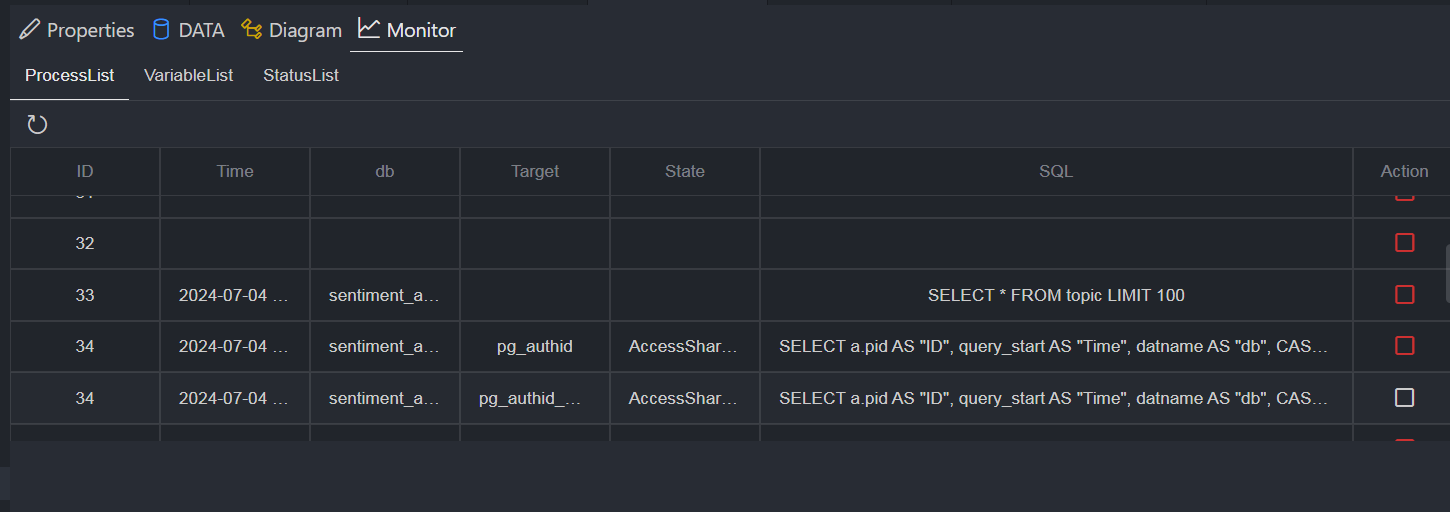
I currently use the free version, but you can explore more features in the premium version. What makes me like this application is the feature of creating ERD, built-in documentation writing and direct editing capabilities. Furthermore, more user-friendly UI compared to the PostgreSQL extension. Here’s a screenshot of the query history feature:
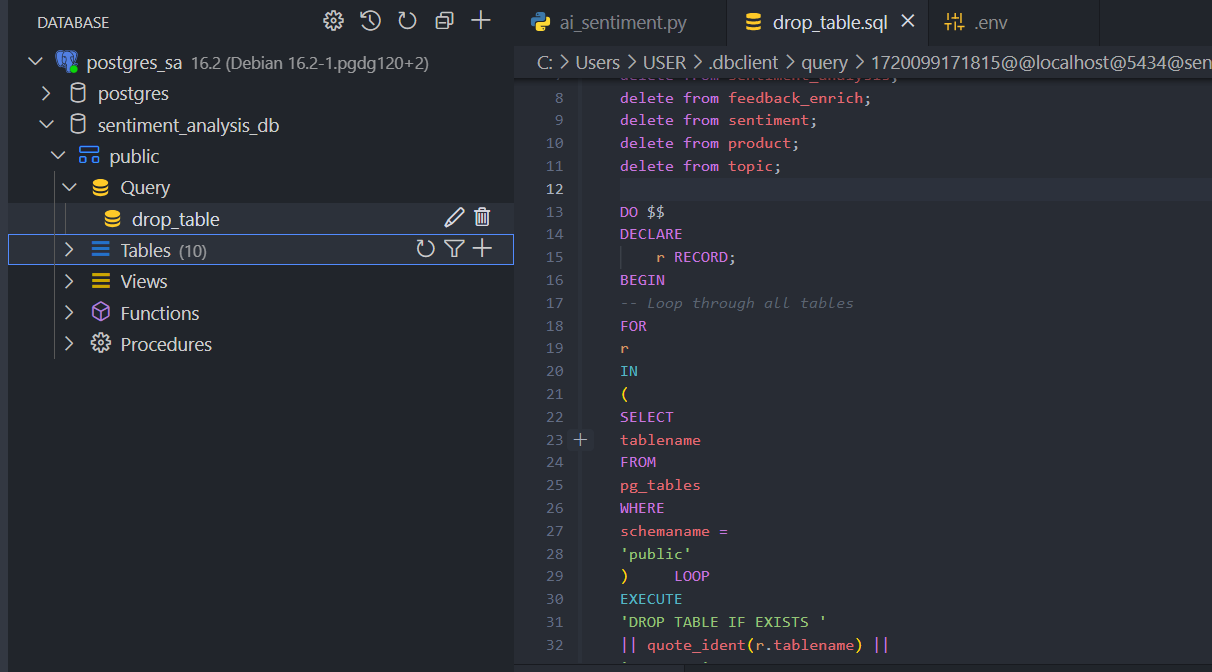
We also can create and store query files:
Conclusion
If you’re interested in trying this extension, you can find more information here. Just as the slogan of Database Client says, “Stop wasting time switching tool”. Hope you find this useful, see yah!